What cfp does
What you get
You have a talk idea, and a conference wants a proposal for it. The catch is the form, which often sits behind a login, so you can’t see it until you sign in. It has fixed fields, character limits, a field that only the reviewers read, and rules that take a proposal out of review when you break one. At KubeCon + CloudNativeCon, the reviewers of a track handle 100 to 200 proposals each, and acceptance has fallen to around 8 to 11 percent. A generic abstract on a hot topic loses to a specific one, and the abstract gets 1000 characters. Then you want to give the same talk somewhere else, and the next conference has a different form.
cfp turns all of this into a guided conversation.
At the end, every field of the conference’s form is drafted, counted against its limit, checked against the conference’s rules, and scored by a simulated program committee.
You see the result in one paste view: the fields in the order the form shows them, each with its character count.
Nothing is ever submitted for you.
You paste the texts into the conference site yourself.
Your talk’s story, your bios, and every proposal stay in your store, a folder of plain markdown files, ready for the next conference.
You can edit those files by hand, as long as you keep their header valid.
The parts
Five names come up on this page. Here’s what each one is.
cfp is a plugin for Claude Code, an add-on that brings its own /cfp: commands.
It drafts conference talk proposals and speaker bios in a guided conversation, using a stored description of each conference’s form and rules.
Claude Code is an AI-powered coding assistant that reads your files, edits them, and runs commands, in your terminal, an IDE, a desktop app, or the browser. For cfp, it’s where everything happens: you type cfp’s commands there and answer its questions, one at a time.
A conference profile is cfp’s stored description of one conference: its session types, the form fields and their limits, the criteria the reviewers score by, and the rules.
cfp reads the profile to know which fields to draft, how long each may be, and which rules disqualify a proposal.
KubeCon + CloudNativeCon is the conference whose profile ships with cfp, so your first proposal can start right after installation.
cc-prose is a separate plugin of writing skills, and Claude Code is one of the tools it works in.
A skill, in Claude Code’s terms, is a packaged, repeatable workflow.
cfp uses one cc-prose skill, the humanizer, which rewrites a text to remove the typical signs of AI-generated writing, such as promotional language, inflated symbolism, and AI vocabulary words.
cfp runs it in a step called the voice pass.
cc-prose is optional: without it, cfp skips the voice pass and tells you so.
How they work together
You type a /cfp: command in Claude Code, and it starts a guided conversation that asks one question at a time.
Behind that conversation, the work is split in two.
Everything that must be exact (reading and writing your files, counting characters, evaluating the rules, changing a proposal’s status) is done by a script the conversation calls, not by the language model.
Two kinds of rules are the exception: a conference rule that fits none of cfp’s built-in rule types is judged in the conversation, and the rule against sales pitches is left to the committee review.
The committee review runs as a separate reviewer that may only read, and it sees nothing but a packet with your drafted fields and the conference’s scoring criteria.
The voice pass hands your texts to the cc-prose humanizer.
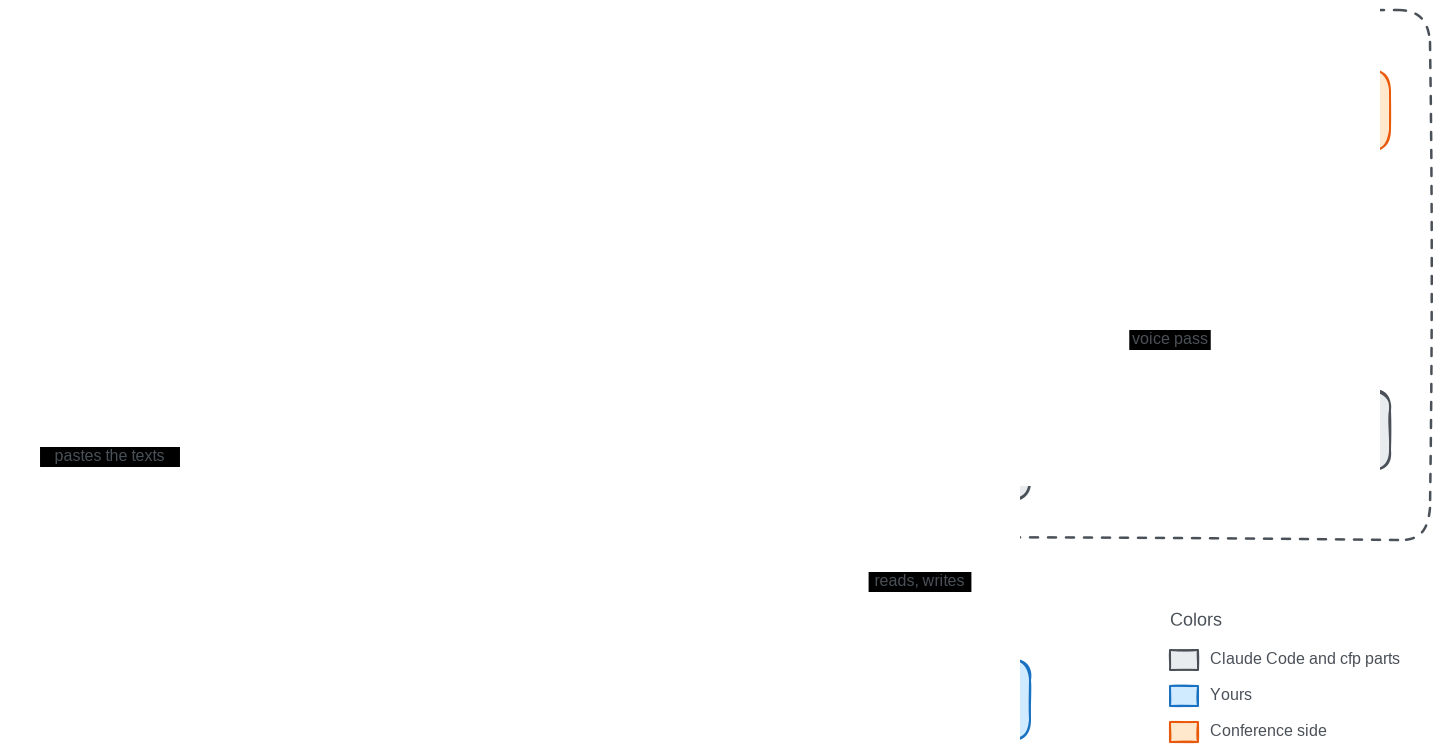
In the diagram, gray marks Claude Code and cfp’s parts, blue marks what’s yours, and orange marks the conference side.
The prompt hook is a small script that runs on every prompt you submit.
For a /cfp: prompt it tells the conversation where your store is, whether the store is set up, and today’s date.
Why run it this way?
Because every number and verdict you see has a traceable origin.
The conference’s form, limits, scoring criteria, and rules are stored as data.
Every limit carries a label that says where it came from: screenshot (confirmed on a screenshot of the form), page (read from a public page), or unverified.
Character counts come from the script, which counts an emoji or a German sharp s as one character.
The committee verdict is computed from the profile’s thresholds, a minimum average score and a minimum score per criterion, instead of being taken from the reviewer’s own opinion.
cfp also keeps two things apart.
A talk is the conference-independent story: the problem, your contribution, the takeaways.
A proposal is that talk rendered for one conference edition, field by field.
So one talk serves several conferences, and you tell its story once.
Ways to start
A draft can start from any of four places:
-
A one-line idea, and cfp interviews you for the rest of the story.
-
Existing material, a local file or a public web page, from which cfp pulls the problem, contribution, and takeaways, shows you the pre-filled story, and asks only for the gaps.
-
A talk you stored earlier, whose story cfp loads before asking about what’s missing.
-
An old proposal, whose talk cfp reuses while showing you the old title, abstract, and reviewer-only text for reference, never copying them blindly.
Draft a proposal walks through all four.
For KubeCon + CloudNativeCon, you can use the shipped profile right away.
For any other conference, /cfp:profile researches a new profile from the conference’s public pages, starting from its name or the URL of its CFP page.
Conference profiles explains how profiles work and how to research your own.
Status and limits
cfp is at version 0.1.1, under the Apache-2.0 license, and you install it from a local clone of its repository.
It needs Claude Code and Python 3.10 or newer.
It ships one profile, KubeCon + CloudNativeCon.
Any other conference needs a profile researched from its public pages, and when the form sits behind a login, you supply screenshots of it.
Keep in mind what the committee review is. A language model plays an experienced program committee member and scores your proposal against the conference’s criteria. It’s a simulation, not the real committee.
Where to go next
-
Install and first run is your first step: install cfp and set up your store.
-
Using cfp covers the rest of your work as a User: drafting, the committee review, pre-flight, bios, and tracking a proposal’s status.
|
Baseline
This guide was verified against cfp e082754, prose 8cb884b (captured 2026-11-27). Later revisions of these sources may rename targets or change defaults. |