Using cfp
cfp is a plugin for Claude Code, an AI-powered coding assistant, and it drafts conference talk proposals and speaker bios with you in a conversation, using reusable conference profiles.
Every conference has its own form, with its own fields, limits, and rules, and this section shows you how cfp drafts a proposal for one.
You’ll take one talk idea all the way to a proposal you can paste into the form.
You type /cfp:draft in Claude Code, draft every field, let a simulated program committee score the result, and check it against the conference’s rules and character limits.
At the end you copy the finished texts from the paste view, the final output that lists each field with its character count, into the conference site yourself.
Along the way you collect material that outlives the proposal: the story of your talk, your speaker bios, and links to your recordings and other work.
The story is stored once, independent of any conference.
When you want to give the same talk somewhere else, /cfp:draft starts from that stored talk and renders it for the new conference’s form.
If you haven’t installed cfp and set up your store yet, Install and first run comes first.
The ideas behind every page
The pages of this section keep coming back to a handful of terms, and the store diagram below shows how they connect.
A talk is the conference-independent story of your session: the problem, your contribution, the takeaways, who it’s for, what’s new about it, and its earlier outings.
A proposal is that talk rendered for one conference edition, field by field, together with its committee review rounds and the results of its pre-flight, the check against the conference’s rules.
There’s one proposal per talk and edition, and its file name joins the two.
Ada Example’s talk safe-node-drains at the KubeCon EU 2027 edition becomes the proposal kubecon-eu-2027—safe-node-drains.
A profile describes one conference: its session types, the form fields with their limits, the reviewers' scoring rubric, the rules, and the reasons for rejection. An event is one edition of that conference. It holds the edition’s overrides of the profile: dates, tracks, the submission limit, and variations of the session types.
A bio variation is one named version of your speaker bio, written in the third person, with its own emphasis and target length. When you pick a variation for a proposal, cfp copies its text into the proposal. That copy is the proposal’s bio snapshot. Shortening it or running the voice pass (a rewrite through the optional cc-prose plugin that removes signs of AI-generated writing) changes only the snapshot, never the stored variation, and deleting the variation later doesn’t change stored proposals.
A speaker resource is a titled link of one of six types: recording, repository, blog, session, publication, or other.
A proposal stores the resources you choose for it.
Recordings get special treatment: reviewers score the Speaker criterion higher when a talk recording is linked, so /cfp:draft offers recordings first when it fills a form’s resources field.
Your store holds all of this.
It has a config.md file with your speaker settings and five folders: profiles, talks, proposals, bios, and resources.
Each profile has its own folder under profiles, with its events and its calibration examples inside.
Calibration examples are accepted texts and official samples, and the committee review puts some of them into what the reviewer reads.
Every file is plain markdown with YAML front matter, and you can edit it by hand as long as the front matter stays valid.
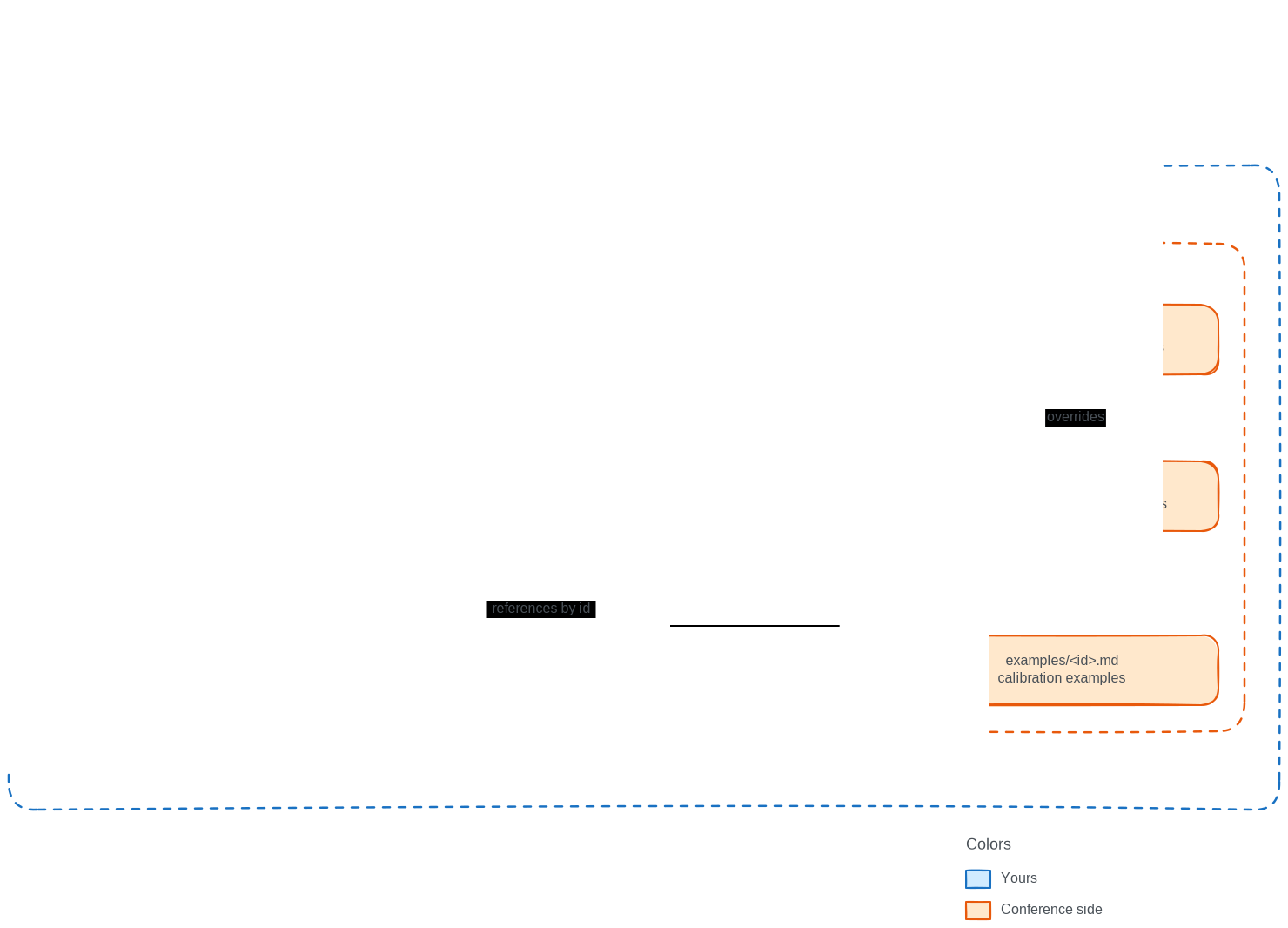
Blue marks what’s yours, and orange marks the conference side.
The file ~/.config/cc-cfp/config.json sits outside the store and tells cfp where the store is.
Two arrows in the diagram come from a proposal’s status.
Setting a proposal to accepted adds its title, abstract, and the text of its relevance field to its profile as a calibration example.
Setting it to presented records an outing on its talk.
Your path through this section
Read the pages in order the first time.
/cfp:draft takes you from idea to paste view in one conversation in Claude Code, and the first page follows it all the way.
The next two pages slow down on two stretches of that conversation, the committee review and the final checks.
You don’t need a bio before your first draft: when your store has none, /cfp:draft offers to write one and then continues.
Come back to the bios page when you want to manage bios and resources on their own.
The last page picks up after you’ve pasted the texts into the conference site.
-
Draft a proposal: start from an idea, existing material, a stored talk, or an old proposal, and let
/cfp:draftinterview you, draft every form field, and end at the paste view. -
Committee review and voice pass: the simulated program committee review that
/cfp:draftruns in its review loop, and the voice pass that reworks your title, abstract, reviewer-only text, and bio snapshot. -
Pre-flight, counts, and the paste view: the rule check and the character counts, run inside
/cfp:draftor on their own with/cfp:check, and the paste view you copy from. -
Bios and speaker resources: write and edit bio variations and record your speaker resources with
/cfp:bio. -
Track a proposal’s status: move a proposal through draft, ready, submitted, accepted, rejected, withdrawn, and presented with
/cfp:status, and reopen a rejected one for another event.